
When you are subscribed to the Hybrid / Non-Delegated Correspondent (NDC) Edition of LendingPad, Please pay special attention to the following sections:
Lender Selection
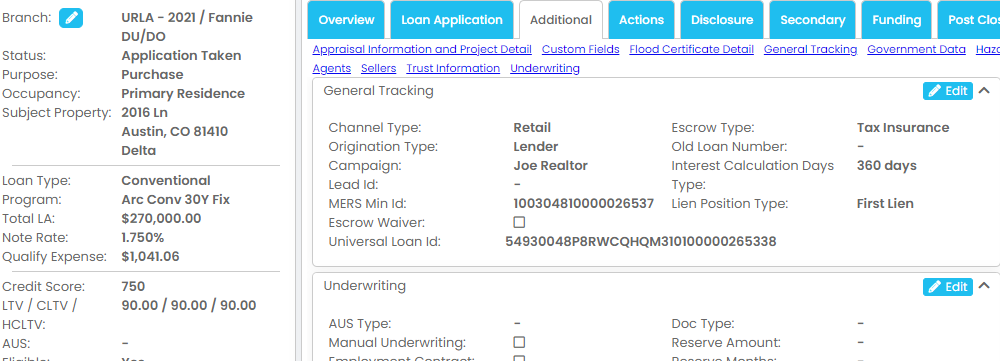
- If you do not select a Lender, system will assume that you are lending/banking that loan file. Channel will be "Retail", Origination Source will be "Lender".
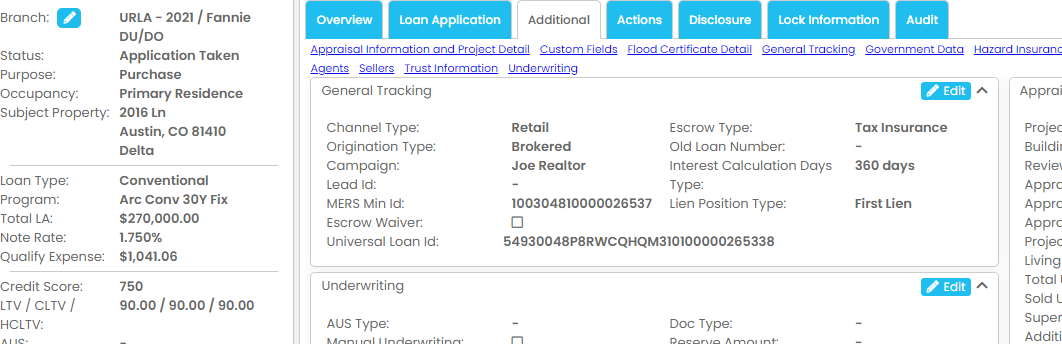
- If you select a Lender, system will assume that you are brokering that loan file. Channel will be "Retail", Origination Source will be "Broker".
Processing / Secondary
- For brokered loans, under lock information section select compensation type and enter amount then turn on the toggle "Include Compensation in Loan Origination Fee" to sync it to disclosure screen.

- For a banked loan, commission will not show in Disclosure screen.
- For centralized lock desk operation, we suggest Optimal Blue to manage the lock requests and lock pipeline.
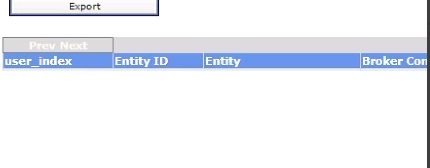
- For Optimal Blue configuration, Settings / Actions / Pricing Provider / "user_index" from OB is the "Business Channel", and "Entity ID" is the "Originator ID". See below.
Underwriting
- Use Tasks to manage and track underwriting conditions.
Closing
- Be sure to get an approval from your investor for your final Closing Disclosure and closing package.
- Refer to article How to Prepare Closing Docs with a Document Vendor
Post Closing
- Refer to another article How to Enter a Purchase Advice and Settlement Statement
- You may be also required to get recorded Title Policy and Deed of Trust back to investor. Please check with your investor.
Compliance
- We recommend staffing seasoned lending professionals in house or via contracting options for all broker-to-NDC conversions.
- Must issue compliant initial, COC and final disclosure packages.
- Closing packages cannot be changed after closing. It must be drawn with 100% accurancy including Closing Disclosures before closing happens. Have the investor prepare CD and the closing package if possible. If not, getting investor approval for both CD and the closing package before closing is recommended.
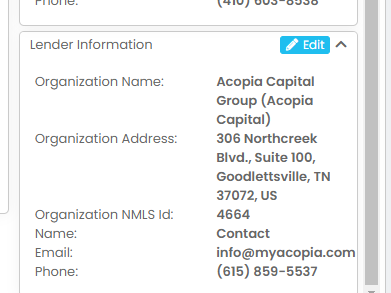
- For NMLS call report, the system will report accordingly if you select or not select a lender from Summary screen.
Refer to article How to File NMLS Call Report (MCR) and HMDA Report?
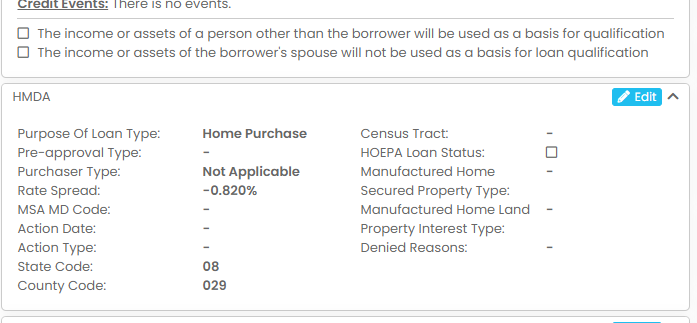
- HMDA
- 1098 INT Reporting