
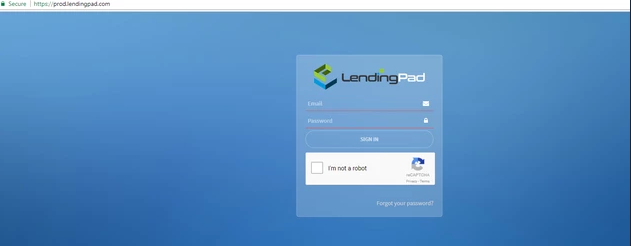
1. Login to LendingPad as System Administrator
2. Click on "Settings"

3. Click on "Manage Company"

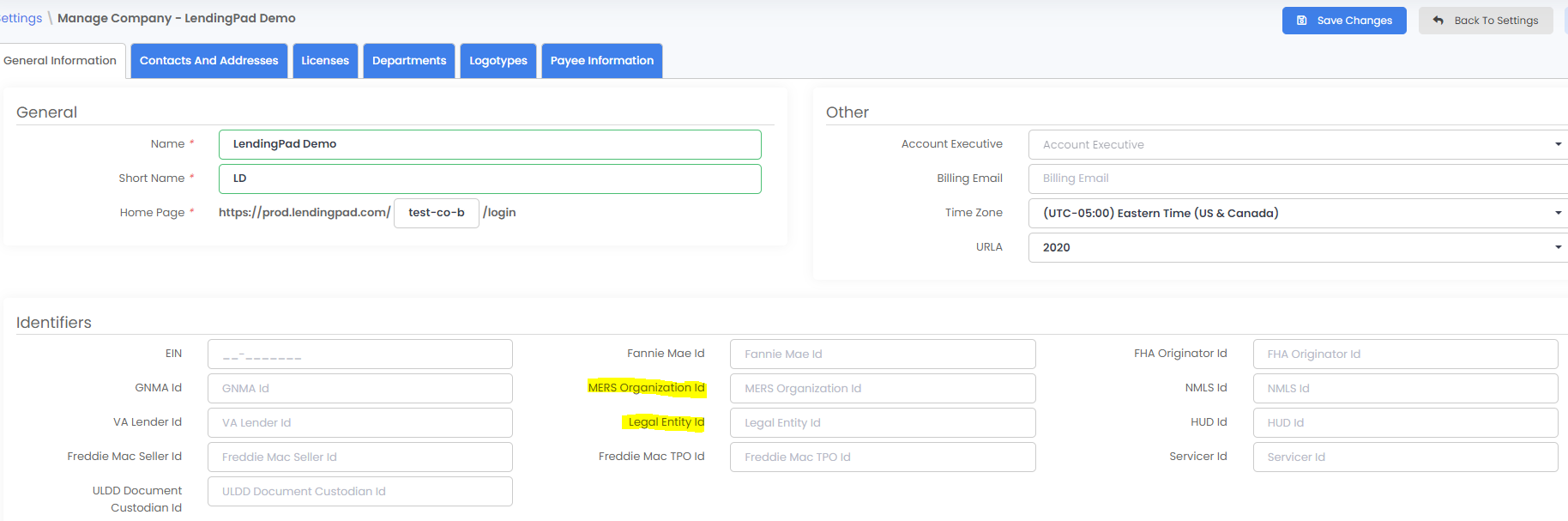
4. Enter "MERS Organization Id" and "Legal Entity Id" under the "Identifiers" section and click on "Save Changes"
5. System will automatically generate "MERS MIN Id" and "Universal Loan Id" under loan "Additional-General Tracking" section for all new loans
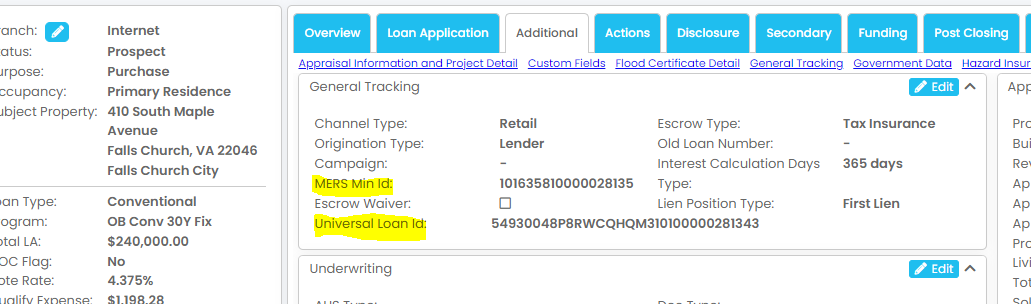
NOTE: For existing loans, go to Additional Data > General Tracking, click Edit, then click the magic wand next to the MERS MIN ID or Universal Loan ID to generate it, and click Save.